
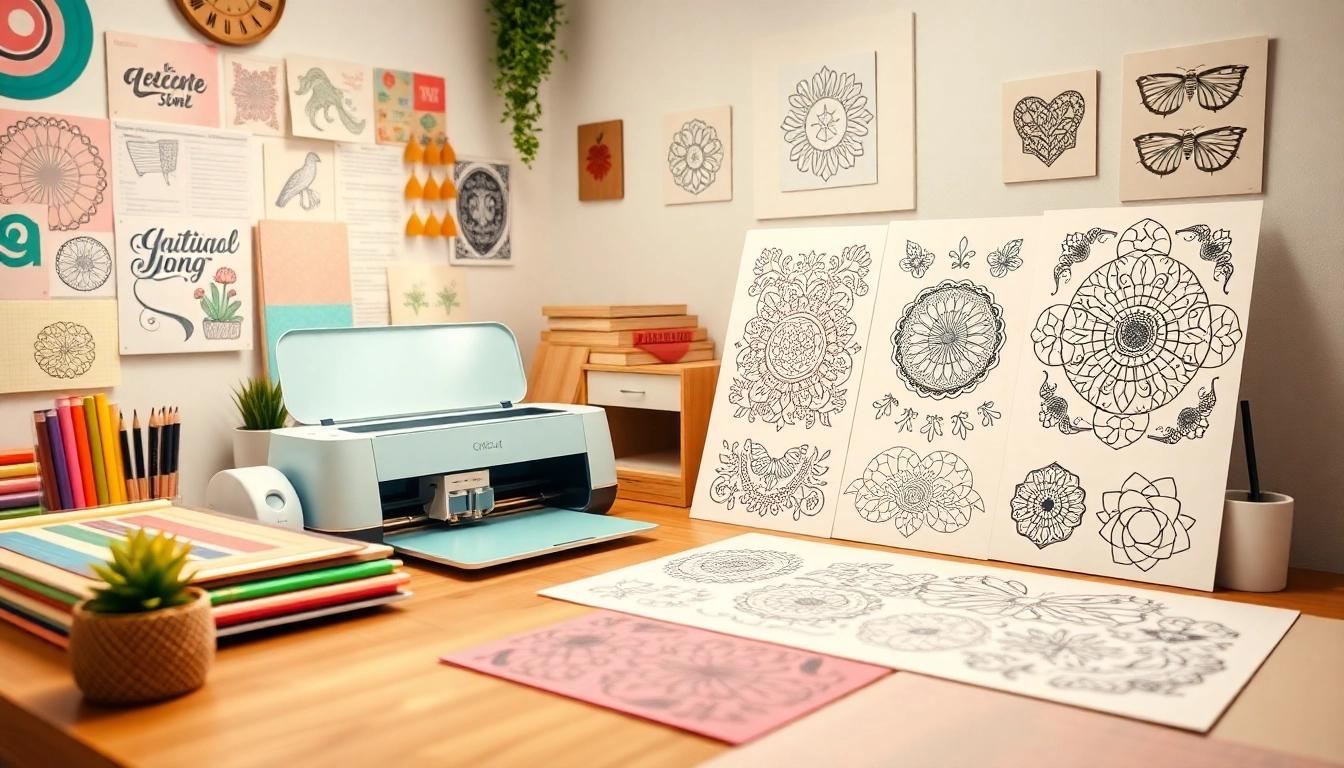
Mastering Cricut SVG: Effective Techniques for 2026 Success
Understanding Cricut SVGs
For any crafting enthusiast, understanding the intricacies of Cricut SVG files is essential. These files, specifically designed for cutting machines, allow users to create intricate designs and personalized items with ease. Whether you’re a novice or an experienced crafter, familiarizing yourself with Cricut SVG is the first step in unlocking your creative potential. In this article, we will explore the fundamental concepts surrounding SVG files, their benefits, common misconceptions, and how to effectively utilize them in your crafting projects.
What Are Cricut SVG Files?
SVG stands for Scalable Vector Graphics, which is a file format used for vector-based graphics. Unlike raster images, which are composed of pixels and can lose quality when resized, SVG files maintain their clarity and quality at any scale. This makes them perfect for cutting machines like Cricut, which utilize precise cutting paths to create designs.
A Cricut SVG file specifically refers to SVG files that are compatible with Cricut machines. These files can include a variety of designs, from simple shapes to complex illustrations. When you upload an SVG file to Cricut Design Space, the software interprets the paths and shapes, allowing your machine to cut or draw them accurately on various materials.
Benefits of Using Cricut SVG Designs
- Versatility: Cricut SVG files can be used for a myriad of projects, including home decor, clothing, cards, and party supplies.
- Quality: SVG files are created with precision, ensuring high-quality cuts that don’t fray or tear.
- Scalability: No matter how big or small you want your design, SVG files can be resized without losing quality.
- Ease of Use: Importing Cricut SVG files into the Design Space is straightforward, making it accessible for all skill levels.
Common Misconceptions About SVG Files
Despite their growing popularity, several misconceptions about SVG files persist. Here are a few clarifications:
- SVG files are only for advanced users: While basic knowledge of design can be helpful, beginners can easily use pre-made SVG files without needing to create their own.
- SVG files are expensive: Many platforms offer free or affordable SVG designs, making them accessible to anyone on a budget.
- SVG files are only for vinyl projects: Though often used for vinyl cutting, SVG files can be utilized with a wide range of materials, including paper, fabric, and cardstock.
Getting Started with Cricut SVGs
Embarking on your journey with Cricut SVG files requires some essential tools and a clear understanding of how to upload and organize your designs. Below, we’ll cover the basics to set you on the right path.
Essential Tools and Materials for Crafting
Before diving into your crafting projects, ensure you have the right tools at hand:
- Cricut Machine: Choose from models like the Cricut Explore or Maker that suits your project needs.
- Cutting Mat: A strong grip mat is crucial for holding your material in place during cutting.
- Weeding Tools: These tools help you remove unwanted material from your designs efficiently.
- Design Software: Cricut Design Space is integral for uploading and editing your SVG files.
Step-by-Step Guide to Uploading SVGs
- Open Cricut Design Space and click on “New Project.”
- Navigate to the “Upload” button on the left panel.
- Select “Upload Image” and then find and choose your SVG file.
- Once uploaded, you can select the file type (SVG) and tag it for easy searching.
- Insert the file into your project and adjust the size as needed before cutting.
Best Practices for Organizing Your SVG Collection
Organization is key to maximizing your crafting efficiency. Here are some tips:
- Create Folders: Organize SVG files into categories (e.g., holidays, themes, or projects).
- Name Files Clearly: Use descriptive names so you can quickly locate specific designs.
- Backup Regularly: Keep a backup of your SVG files on an external drive or cloud storage.
Advanced Techniques for Customization
Once you’ve mastered the basics, explore advanced customization techniques to enhance your creations.
Editing Cricut SVG Files: Tips and Tricks
Editing your SVG files can lead to unique designs. Utilize Cricut Design Space’s tools to:
- Modify shapes by using the “Contour” feature.
- Change colors or sizes to fit your specific needs.
- Use layers creatively to create dimension in your projects.
Combining SVGs for Unique Creations
Don’t shy away from combining multiple SVG files. This can yield stunning and one-of-a-kind designs. For instance:
- Overlay different designs to create complex patterns.
- Use elements from different SVGs to personalize a design.
- Experiment with scaling to achieve balanced compositions.
Exploring Layering Techniques in Cricut Design Space
Layering is a crucial aspect of creating striking designs. Here’s how to make it work:
- Choose Colorful Layers: Incorporate various colors to add depth and interest.
- Adjust Layer Order: Rearranging layers can change the final look dramatically.
- Use Transparencies: Experiment with transparent layers for a modern aesthetic.
Free Resources for Cricut SVG Files
Finding quality SVG files doesn’t have to be hard. Here are some excellent resources to explore.
Top Websites for Free SVG Downloads
Many websites offer free SVG files. A few recommendations include:
- Design Bundles: Offers a large selection of free SVG designs.
- Hello SVG: Specializes in crafting designs, perfect for all occasions.
- SVG Cuts: A vast library with many options for Cricut users.
Exploring Social Media Groups for SVG Sharing
Social media platforms are rich with resources. Join groups on Facebook or forums on Reddit dedicated to Cricut crafting. These communities provide:
- Exclusive access to free SVG files.
- Help with design challenges and project ideas.
- Inspiration from fellow crafters.
Using Community Forums for Design Inspiration
Forums like Reddit and crafting blogs can be treasure troves of ideas. Engage with fellow crafters to gain insights and tips. Explore:
- Tutorials on file creation and editing.
- Requests for specific designs that you can help fulfill.
- Discussions about the latest crafting trends.
Future Trends in SVG Crafting
As technology advances, so too does the world of crafting. Understanding future trends can help you stay ahead of the curve.
Embracing New Technologies for Crafting
New technologies are continually emerging, influencing how we create. Look out for:
- Advanced Editing Software: Programs that streamline SVG creation and editing.
- AI-Assisted Design: Tools that suggest design improvements or create SVGs based on user inputs.
- Enhanced Material Options: New materials that work seamlessly with Cricut machines.
Predictions for Cricut Innovations in 2026
By 2026, we can expect significant advancements, such as:
- Smart Machines: Cricut machines that automatically adjust settings based on material.
- More Integrated Software Solutions: Platforms that merge design and cutting processes for efficiency.
- Expanded Material Compatibility: Broader support for unique and innovative materials.
How to Stay Ahead in the Crafting Community
To thrive in the crafting community, consider:
- Regularly participating in workshops and webinars.
- Following influential crafters on social media for inspiration.
- Staying updated on crafting trends through blogs and newsletters.